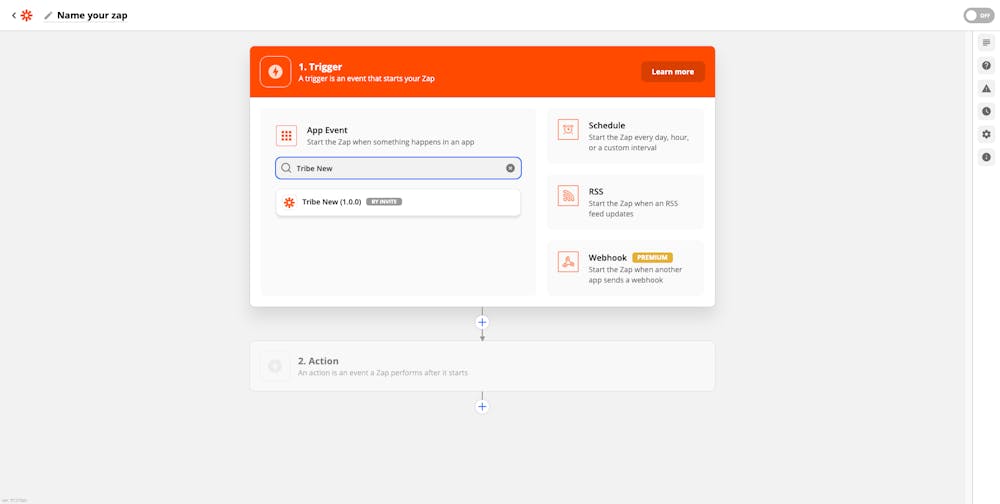
Zapier connects Bettermode with thousands of external applications and enables you to build powerful automations. You define triggers based on specific events, and Zapier automatically performs corresponding actions either within Bettermode or in third-party apps.
Discover which apps you can connect with Bettermode via Zapier.
You can use Zapier to automate workflows such as:
Install the Zapier app on your site. Learn how to install an app.
After installation, locate and copy your API Key from the Zapier app settings in Bettermode. The API Key appears in the app configuration panel:
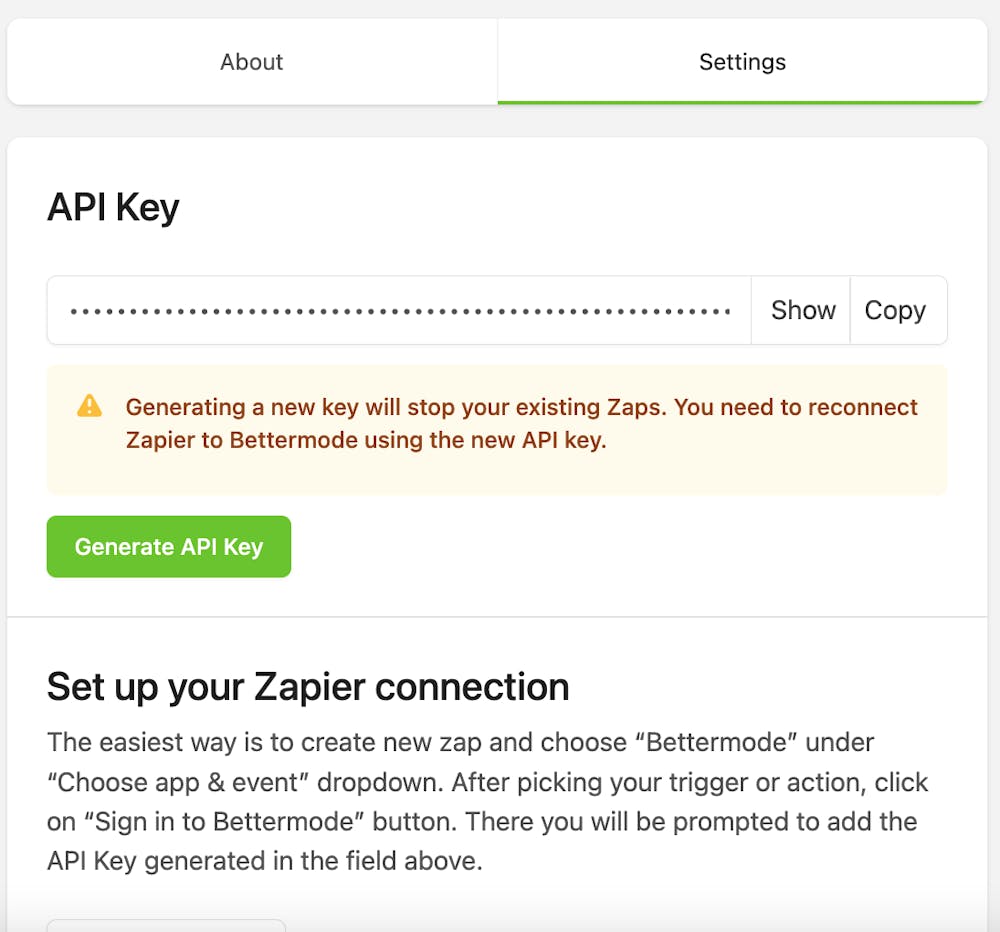
Save this API Key — you will need it in the next steps.
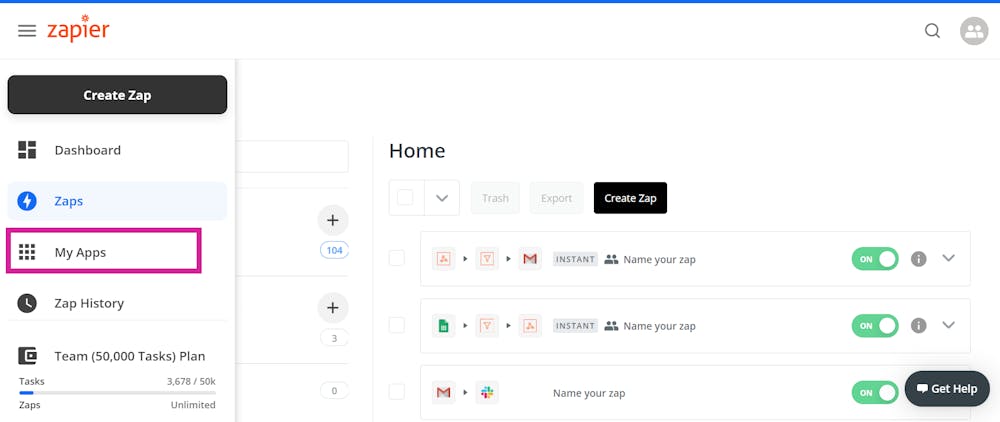
Open the Zapier website, log in to your account, and click My Apps in the left sidebar:
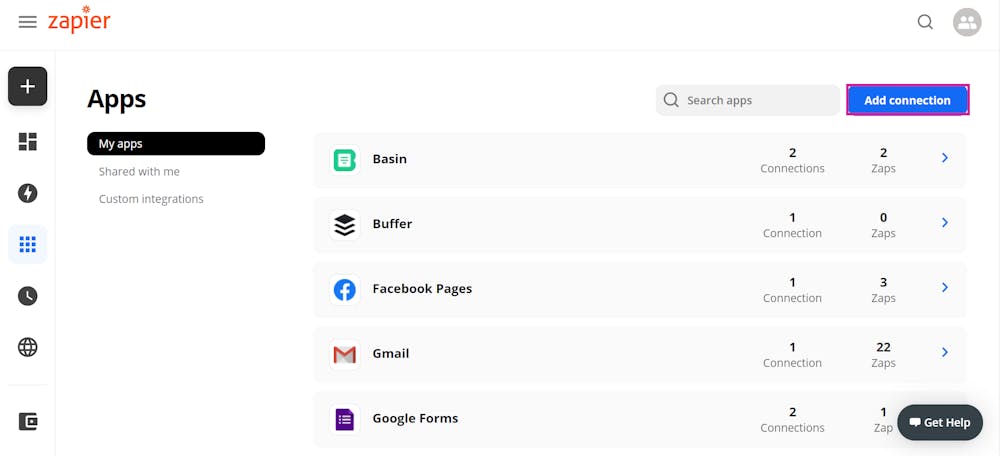
Click Add Connection in the top right:
In the dialog that appears, search for Bettermode and select the app:
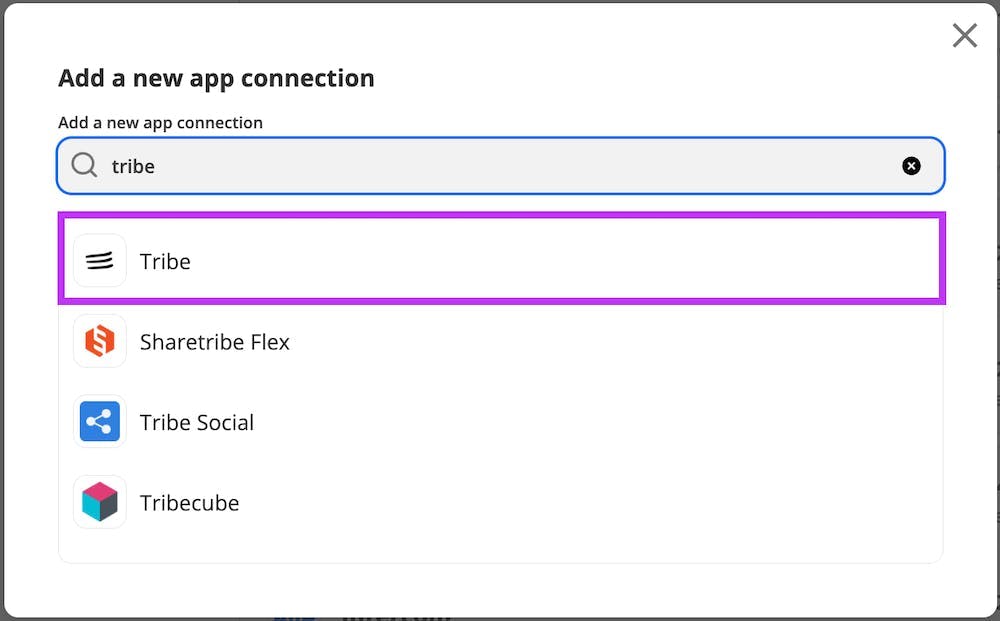
When prompted, paste the API Key you copied from Bettermode's Zapier app settings, then click Yes, Continue:
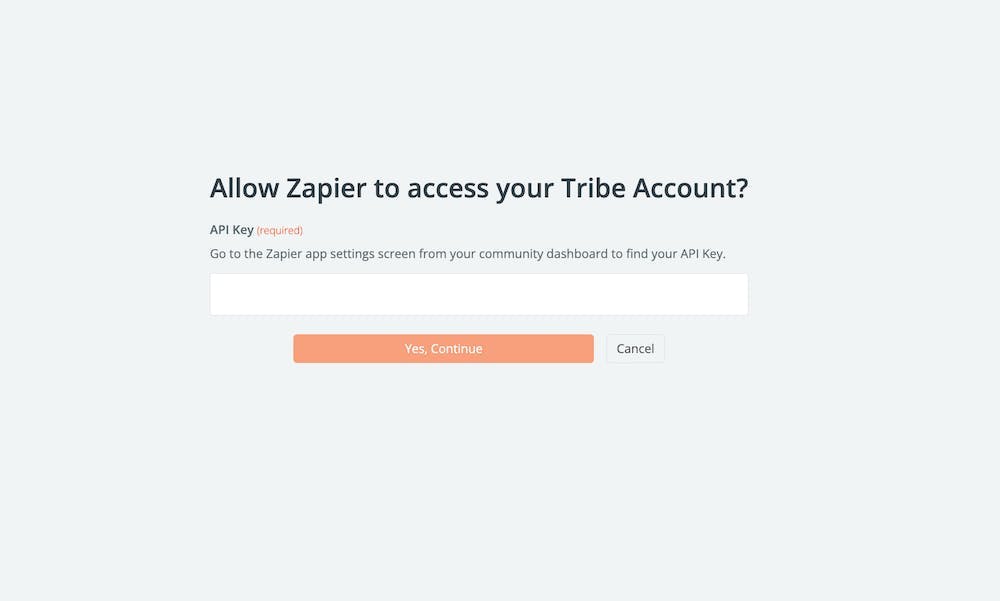
After authorization succeeds, Bettermode is now available as a connected app in Zapier.
Your Zapier integration is complete. Visit Zapier.com to create new automations by defining triggers and actions: