


You can create Salesforce cases directly from your Bettermode Site without switching between platforms. A Create a Salesforce Case option appears in the menu (…) at the top right of each post, visible only to staff members.
You must set up the Salesforce integration first. Follow the steps in Integrate Salesforce with Bettermode Site.
Go to your Site settings.
Find the Enable Case Creation toggle and switch it on.
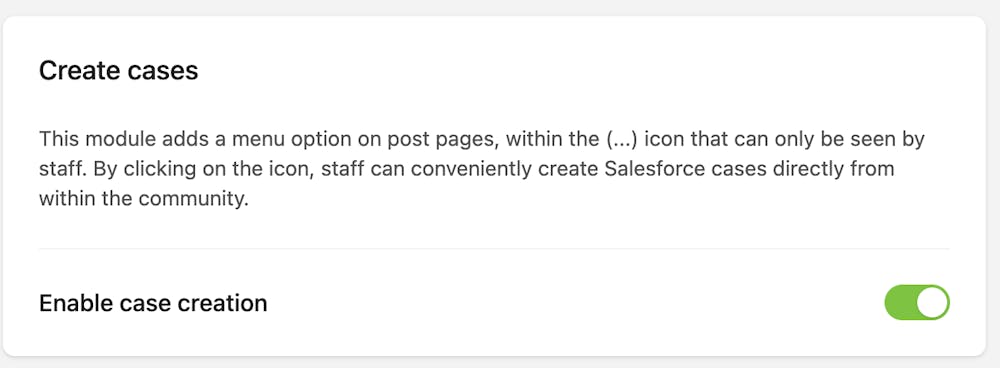
Map your Bettermode fields to Salesforce fields to ensure all relevant information transfers to the case.
Log in to your Site.
Navigate to the post you want to create a case for.
Click the menu icon (…) at the top right of the post.
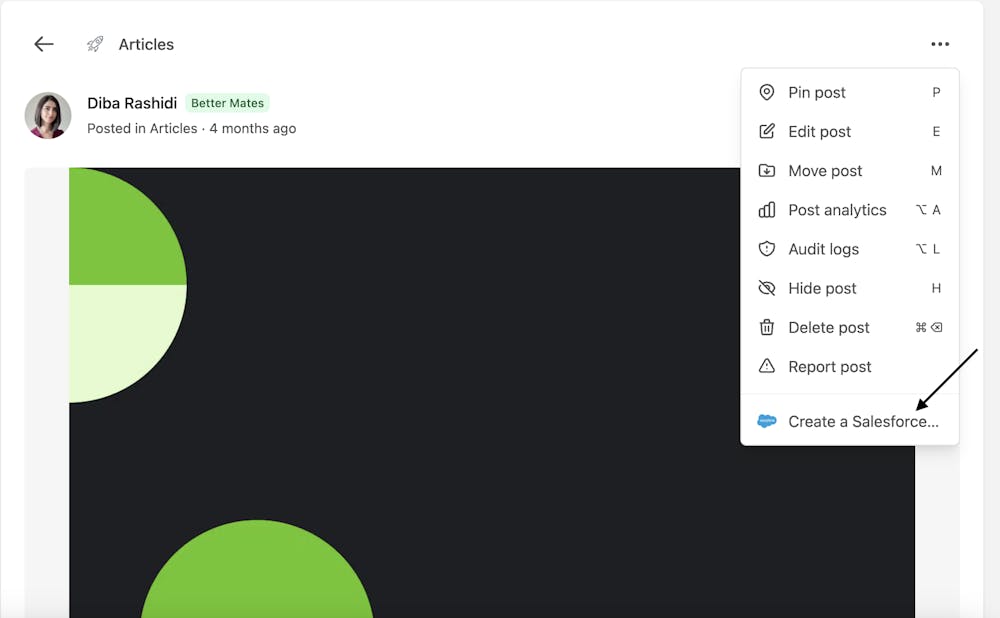
Click Create a Salesforce Case. A form opens with fields based on your case type.
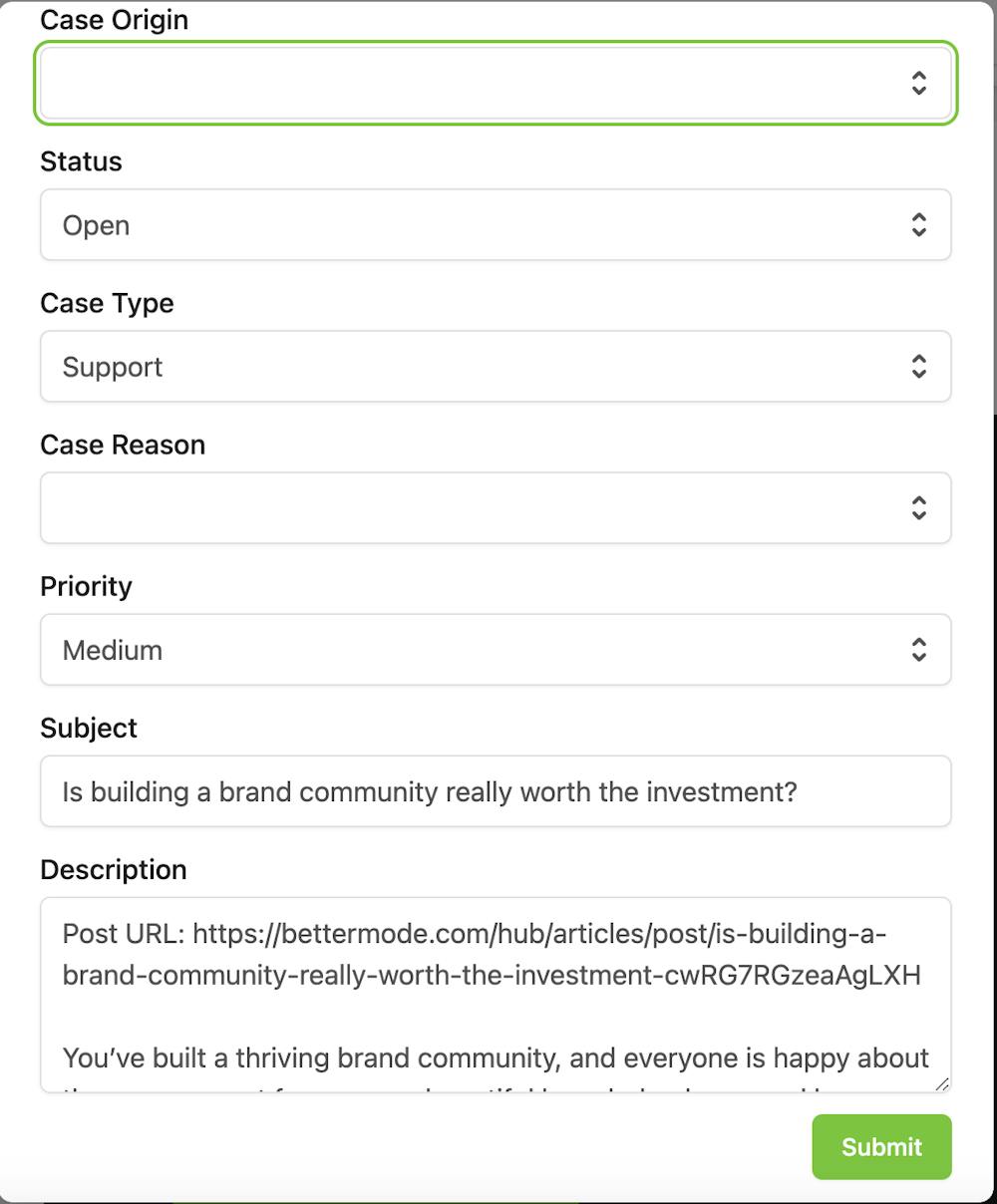
Fill in the case details.
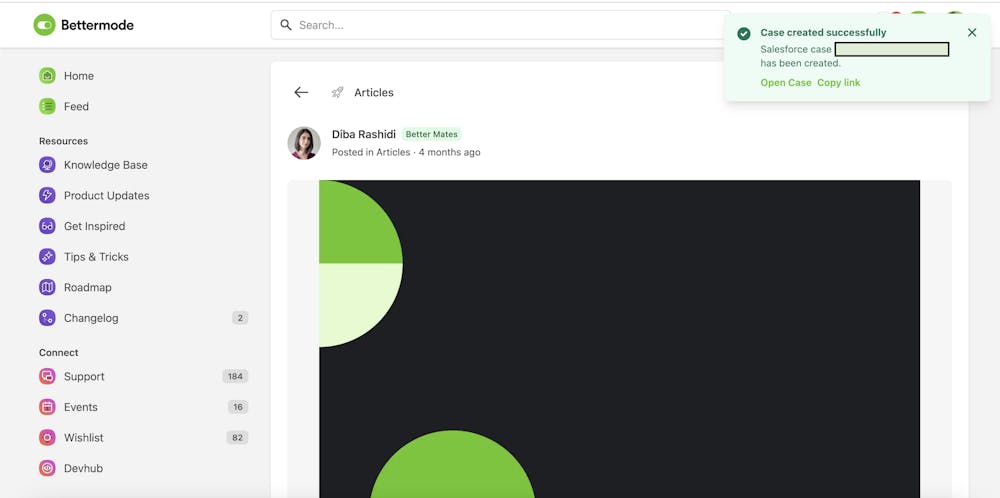
Click Submit. Your case is created in Salesforce with all the information from the post.
