


Google Tag Manager is a free, web-based tool that lets you manage tags (code snippets and tracking pixels) on your website and app without modifying code directly. Common tags include Google Ads conversion scripts, Facebook pixels, and remarketing tags.
Once you enable the Google Tag Manager app on your Bettermode site, you can manage all tags from your Google Tag Manager account. This eliminates the need for your marketing team to request code changes from your technical team—your marketing team can independently manage tags and reuse setups from other products and websites.
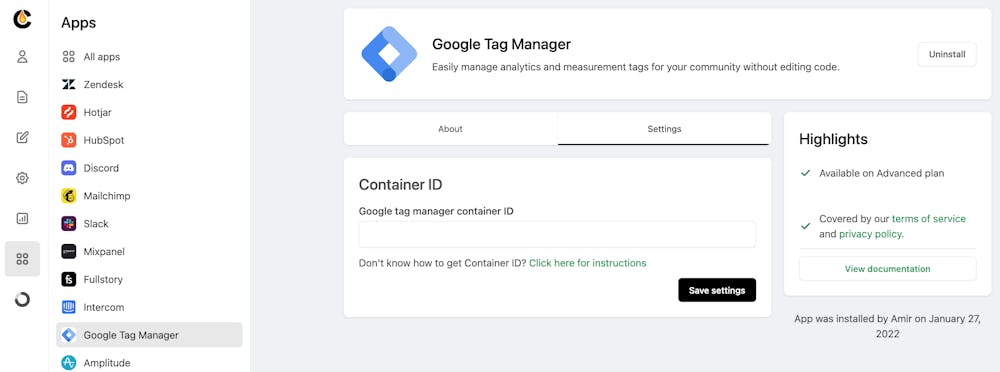
Note: Click the instruction link in the settings to learn how to create a Google Tag Manager Container ID.
