Bettermode MCP: your community, connected to any AI tool
Every community team I know keeps the same tab open. Some dashboard, some export, some filter rebuilt for the third time this quarter because the question changed slightly. The question is almost always simple. Which spaces went quiet. Who joined and never came back. Whether the thing we shipped last month actually got talked about.
The answer is sitting in the community. Getting it out has meant clicking.
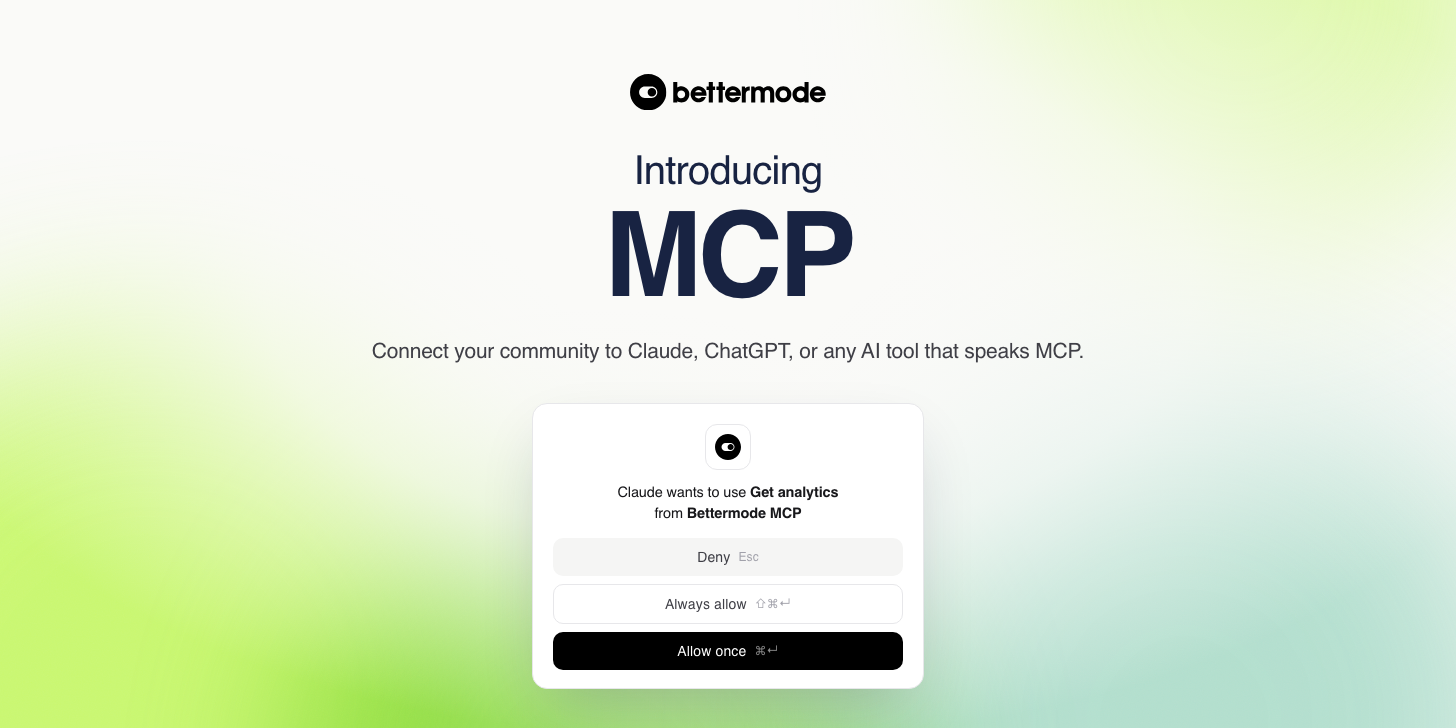
The Bettermode MCP server closes that gap. Connect your community to an AI tool once, and after that you ask in plain language. It goes and looks, tells you what it found, and with your approval it acts on it. The distance between “who has gone quiet” and “message them” collapses into one conversation.
It's live now, on every plan.
What this actually is
MCP stands for Model Context Protocol. It's the open standard AI tools use to reach other products, and it exists because the alternative was a custom integration per tool per product, forever.
The practical version: your community now speaks a language AI tools already understand. Claude and ChatGPT both support it, and so does anything else built on the standard, so this is not one integration per assistant. No one has to build a bridge. You paste a connector URL into your AI tool, authorize it, and the assistant can see your community.
A better mental model than “integration” is hands. The AI could already reason about community work. What it lacked was any way to reach into your community and do it.
What you can do with it
The useful question isn't which tools exist, it's what stops being manual. Four things change immediately.
Ask a question, get an answer, skip the report
“Which spaces had no new posts in the last 7 days?” You don't pick a data source, build a view, or export anything. The assistant works out what it needs, goes and gets it, and answers in a sentence.

The same holds for the questions that usually cost you an afternoon. How engagement trended last quarter. Who joined this month and never posted. Which topics keep coming up in a specific space. Whether the feature you launched actually landed.
Turn the answer into the work
Finding the twelve members who went quiet is only useful if someone messages them. So the same conversation can do that: publish a post, send a direct message, assign a badge, add members to a space.
“Find members who joined in the last 30 days and haven't posted, then send each a check-in DM” is one request. The assistant does the finding, drafts something appropriate for each person, and sends it once you approve.

Keep the place healthy without patrolling it
“Is there any spam from the last day? Hide it.” A morning sweep that used to mean scrolling now takes one line. Hiding is reversible, so a wrong call costs nothing.

See the week without assembling it
“What happened in the community this week?” comes back as a digest you can paste into a standup or forward to your exec team. For a lot of teams this is the one that sticks, because the weekly community update was already someone's Friday afternoon.

Behind those four are eleven read tools and five write tools covering spaces, posts, members, badges, and analytics. You never call them by name. You describe the outcome and the assistant picks.
The part your security team will ask about
Giving an AI tool write access to the place your customers talk is a real decision, and we built the server assuming you would push back on it.
Every write is approved individually. The assistant shows you what it's about to do and waits. “Message each of the 12 quiet members” surfaces twelve approvals, not one blanket yes. That's slower on purpose, because bulk actions are exactly where a misread intent gets expensive.
There are no destructive tools. Not gated, not admin-only, absent. The server cannot delete a space, a member, or your community, and it cannot flip a private space public. No prompt reaches those capabilities, because they were never exposed.
Moderation is reversible. Hiding a post is the strongest action available, and a hidden post can be unhidden.
It's admin only, and scoped. Only admins can reach the connection URL, and you pick the scope when you authorize: read-only, or read and write. If you only want answers, authorize read-only and the write tools aren't available at all.
Nothing pretends to be a bot. Every action runs under the identity of the admin who set the connection up, so a post appears as that person. Nothing shows up in your community from an anonymous system account.
Where your data goes
Requests route to the API in your community's region automatically, so EU community data doesn't transit a US process on our side.
The honest other half, because procurement will ask: whatever your AI tool reads leaves Bettermode at that point. The AI tools are third party services and most are US-hosted. That's true of every AI integration on the market. If your community holds data that can't leave a region, a read-only connector plus a deliberate choice of AI tool are the levers you have.
Getting started
Copy the connection URL from your community's admin settings, then add it as a custom connector in your AI tool. You choose the scope, read-only or read and write, when you authorize it, so that decision sits in the auth flow rather than on the Bettermode side. It takes about a minute, and you can revoke access from the same page later.
MCP is available on every plan, with generous limits on Growth and Premium. The setup guide has the step by step, the full tool reference, and the troubleshooting.
Frequently asked questions
Does this only work with Claude?
No. Any AI tool that supports custom MCP connectors works, which today includes Claude and ChatGPT along with a growing list of others. The connector URL is the same regardless of which you point at it, so switching tools later costs you nothing.
Can it delete anything?
No. The server has no delete tools. It cannot remove spaces, members, or your community, and it cannot make a private space public. Hiding a post is the strongest action available, and it's reversible.
Do posts made this way look like they came from a bot?
No. Every action runs under the identity of the admin who set the connection up, so posts and messages appear as that person.
Do I need engineering help to set this up?
No. Copying a URL and authorizing it in your AI tool is the whole setup. It's a settings page, not a project.
Is my community data used to train AI models?
That depends on the AI tool you connect, not on Bettermode. Check the data policy of the tool you're using. Most business tiers of the major AI tools exclude business data from training by default.
What does it cost?
Nothing extra. MCP is included on every plan.
Can I try it without giving it write access?
Yes, and it's the sensible way to start. Choose read-only when you authorize the connection and the write tools aren't available at all. You can reconnect with read and write later, once you've seen how it behaves.
Come talk about it
We posted this in our own community as well, which is the more useful place to ask a question about it. Tell us what you pointed it at, and what it couldn't reach yet, because that feedback is what decides which tools we add next. Other community teams are working through the same setup there.
Join the discussion in the Bettermode community
TL;DR
- The Bettermode MCP server connects your community to any AI tool that speaks the Model Context Protocol, Claude and ChatGPT included. It's live on every plan at no extra cost.
- You ask in plain language instead of building reports. Which spaces went quiet, how engagement trended, who joined and never posted.
- It can also act: publish a post, send a DM, assign a badge, add members to a space, hide spam. Every one of those requires your individual approval first.
- There are no destructive tools. It cannot delete spaces, members, or communities, or make a private space public. Hiding a post is reversible.
- Access is admin only and scoped. You choose read-only or read and write when you authorize, and every action runs under that admin's identity rather than a bot account.
- Setup takes about a minute and needs no engineering work.