Omnichannel Support: Creating Seamless Customer Experiences
Customer expectations are on the rise. Today's customers want instant communication via their preferred channels while expecting seamless service. They expect companies to anticipate their needs and efficiently answer questions whether asked via email, phone, social media, chat, or community.
Research shows that 53% of customers say most support interactions feel fragmented, and 60% say it feels like communicating with isolated departments instead of one company.
How do you offer scalable service across multiple channels without losing consistency and personalization? The answer lies in omnichannel support—a strategy that integrates customer interactions across all touchpoints into a unified experience.
What Is Omnichannel Support?
Omnichannel support integrates customer interactions across multiple channels—email, social media, phone, chat, community forums, and in-app messaging—into a single, cohesive experience.
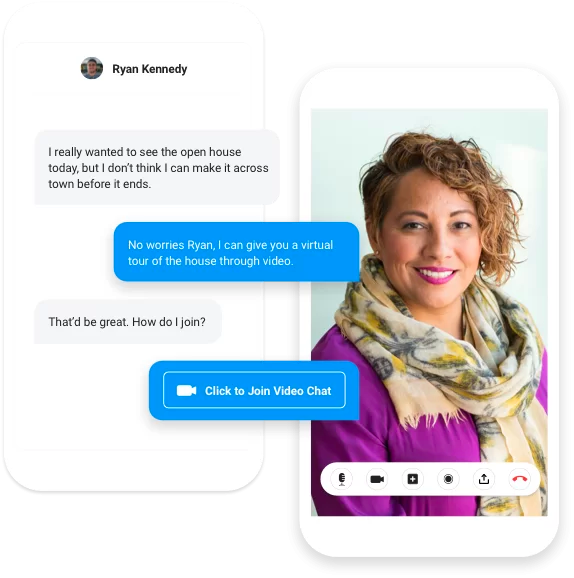
Unlike multichannel support (which offers multiple channels operating independently), omnichannel support connects these channels so customers can move between them without losing context or having to repeat themselves.
Key characteristics:- Consistent messaging across all touchpoints- Shared customer history across channels- Smooth handoffs between channels- Personalized interactions based on complete customer data
Why Omnichannel Support Matters
Customer Expectations
Modern customers expect to reach you on their terms. They might start a conversation on chat, follow up via email, and check status in your community—and they expect you to know their full history.
Reduced Friction
When support reps have access to previous issues across all channels, customers don't need to repeat their problems. This reduces frustration and speeds resolution.
Better Customer Experience
An omnichannel approach creates consistent messaging across touchpoints. Whether customers interact via Twitter or through your help desk, they receive the same quality of support.
Improved Efficiency
With unified data, support teams can work more effectively. They see the complete picture and can provide contextual, personalized help.
Channels in Omnichannel Support
Traditional Channels
Email. Still essential for detailed communication, documentation, and asynchronous support.
Phone. Critical for complex issues requiring real-time conversation and emotional support.
Live Chat. Ideal for quick questions and real-time assistance during buying decisions or troubleshooting.
Digital Channels
Social Media. Customers increasingly reach out via Twitter, Facebook, and LinkedIn. Public visibility makes response quality especially important.
In-App Messaging. Meet customers where they already are—inside your product.
SMS/Text. Effective for notifications, quick updates, and time-sensitive communications.
Self-Service Channels
Knowledge Base. Documentation and FAQs that customers can access 24/7.
Community Forums. Peer-to-peer support where customers help each other, reducing ticket volume while building engagement.
Chatbots. Automated first-line support for common questions and routing.
The Role of Community in Omnichannel Support
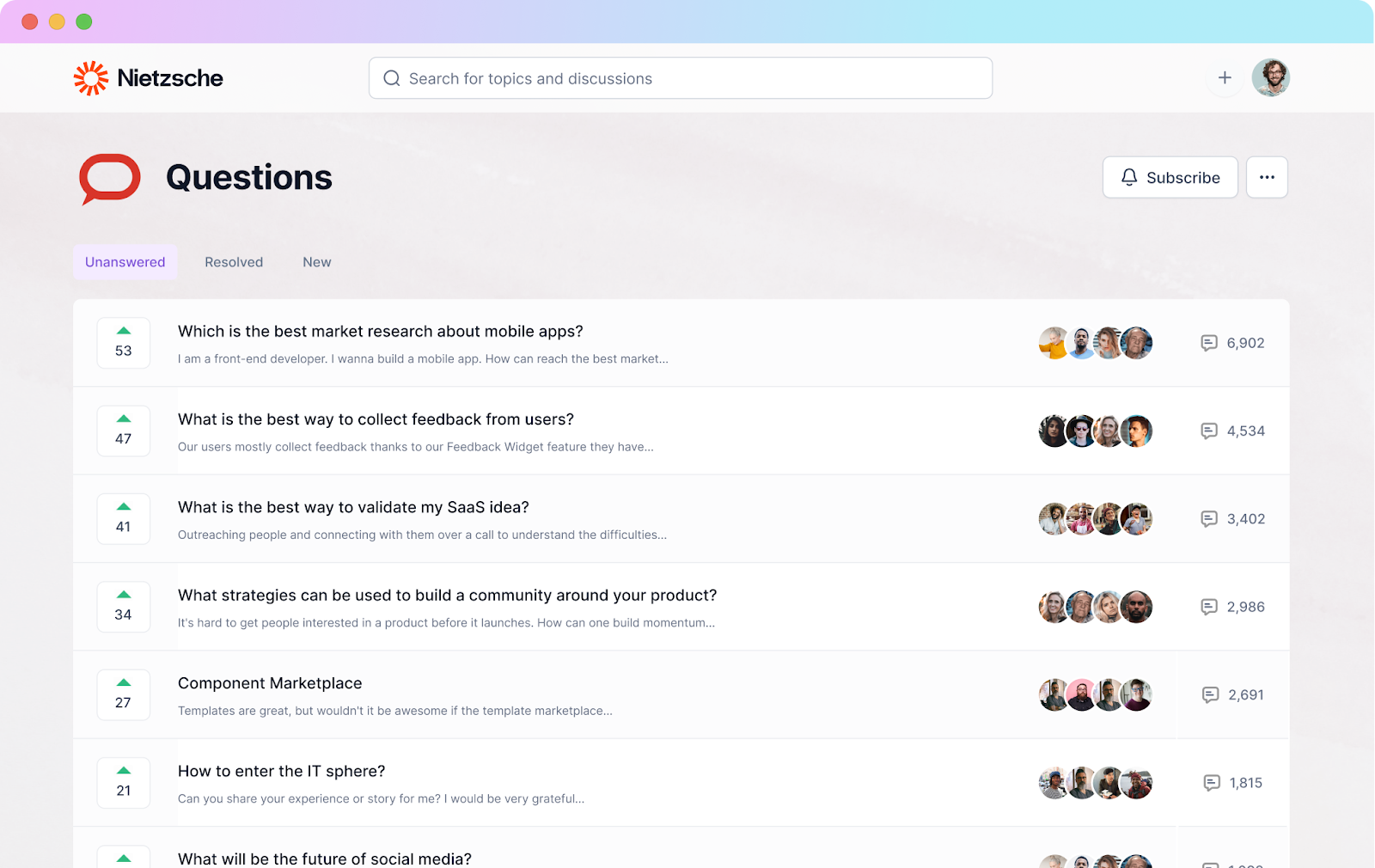
Customer communities have become a powerful channel in omnichannel support strategies. Communities facilitate one-to-many interactions and help businesses embrace customer voice through user-generated content.
Benefits of Community as a Support Channel
Reduce support burden. Communities can be equipped with self-service options so customers get help 24/7 while freeing agents. Since communities enable customer-to-customer interaction, members help each other solve issues.
Scalable support. One answer in community serves hundreds of customers with the same question, unlike tickets that require individual responses.
Always available. Community doesn't sleep—customers can find answers or ask questions anytime.
Rich context. Community discussions often provide more context and alternative solutions than standard support interactions.
Integrating Community with Other Channels
For community to work as part of omnichannel support:
Connect community data to support tools. When a customer creates a support ticket, agents should see their community activity—questions asked, answers received, content viewed.
Route between channels intelligently. Simple questions can be directed to community. Complex issues escalate to agents with full context.
Sync customer profiles. Community membership, engagement level, and expertise should be visible across all channels.
Use community content in other channels. Popular community answers can feed knowledge base articles. Community discussions can inform chatbot responses.
Implementing Omnichannel Support
Step 1: Audit Current Channels
Map all existing support channels. Identify which are connected and which operate in silos. Understand where context is lost between channels.
Step 2: Unify Customer Data
Connect all channels to a shared customer data platform. Each interaction—regardless of channel—should update the same customer record.
Step 3: Integrate Tools
Connect your help desk, CRM, community platform, and other tools. Look for platforms that offer native integrations or API connections.
Step 4: Train Teams
Support teams need visibility into all channels. Train agents to use unified dashboards and to reference history from any channel.
Step 5: Create Consistent Experiences
Develop guidelines for tone, response times, and quality standards that apply across all channels. Customers should receive the same quality of support everywhere.
Step 6: Enable Smart Routing
Implement routing that considers channel, issue type, customer tier, and available resources. Simple questions might go to community or chatbot; complex issues to experienced agents.
Measuring Omnichannel Success
Cross-Channel Metrics
- First Contact Resolution: Resolved without transfer between channels
- Channel Switching Rate: How often customers must change channels to resolve issues
- Time to Resolution: Across all channels involved
Channel-Specific Metrics
- Community: Deflection rate, peer response time, answer quality
- Chat: Response time, resolution rate, satisfaction
- Email: Response time, ticket volume, resolution time
Customer Experience Metrics
- Customer Satisfaction (CSAT): Per channel and overall
- Customer Effort Score (CES): How easy was it to get help?
- Net Promoter Score (NPS): Overall relationship health
Building Your Omnichannel Strategy
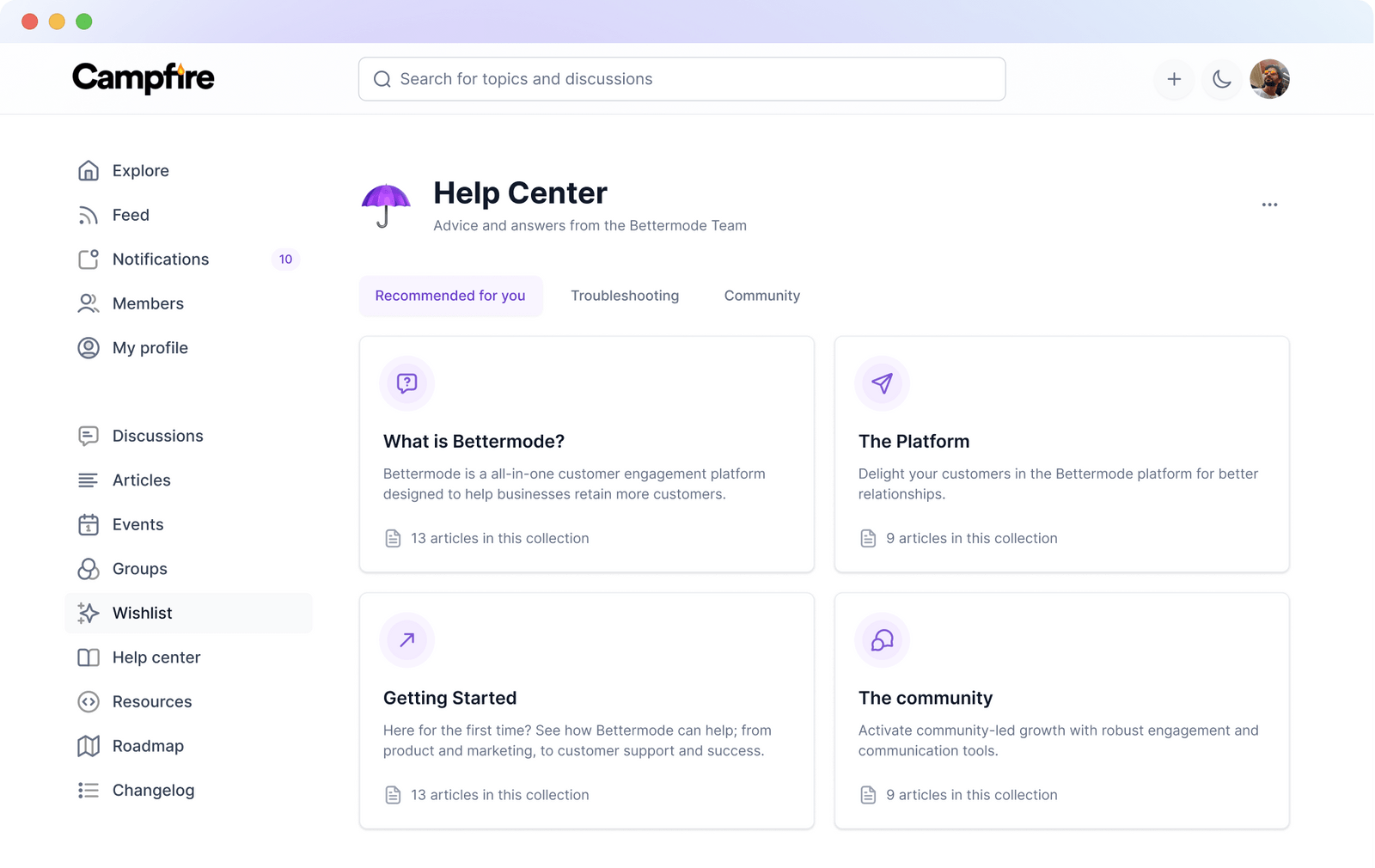
Community platforms designed for B2B SaaS—like Bettermode—provide the integrations needed for omnichannel support. Connect community to your CRM (Salesforce, HubSpot), support tools (Zendesk, Intercom), and communication platforms to create a unified view of every customer interaction.
Ready to build omnichannel support with community at the center? Book a demo with Bettermode.
FAQs
How is omnichannel different from multichannel?
Multichannel means offering multiple support channels. Omnichannel means those channels are connected and share data. In multichannel, a customer might have different experiences on chat vs. email. In omnichannel, agents see the complete history regardless of channel.
Which channels should we prioritize?
Prioritize channels your customers actually use. Analyze where support requests come from. Consider adding community for scalable self-service, especially for common questions that don't require individual responses.
How do we handle channel preferences?
Track which channels each customer prefers and meet them there. Some customers prefer email; others want chat. Omnichannel isn't about forcing customers to specific channels—it's about connecting the channels they choose.
What technology do we need for omnichannel support?
At minimum: a help desk that integrates with other channels, a CRM for unified customer data, and a community platform for self-service. Look for platforms with native integrations or robust APIs. Avoid tools that create data silos.